Drive Claude Code from your phone. Anywhere.
Run Claude Code on your server or home machine, and steer it from a native iOS app — behind NAT, with no public IP, end-to-end encrypted.
Run Claude Code on your server or home machine, and steer it from a native iOS app — behind NAT, with no public IP, end-to-end encrypted.
Check what your agent shipped while you were underground — history is there the moment you open the app.
Glance at the last run, read the output, queue the next step from your pocket.
Your Mac mini or PC behind a home router works fine — pairing just connects.
Pick up the same session on your laptop when you're back at your desk.
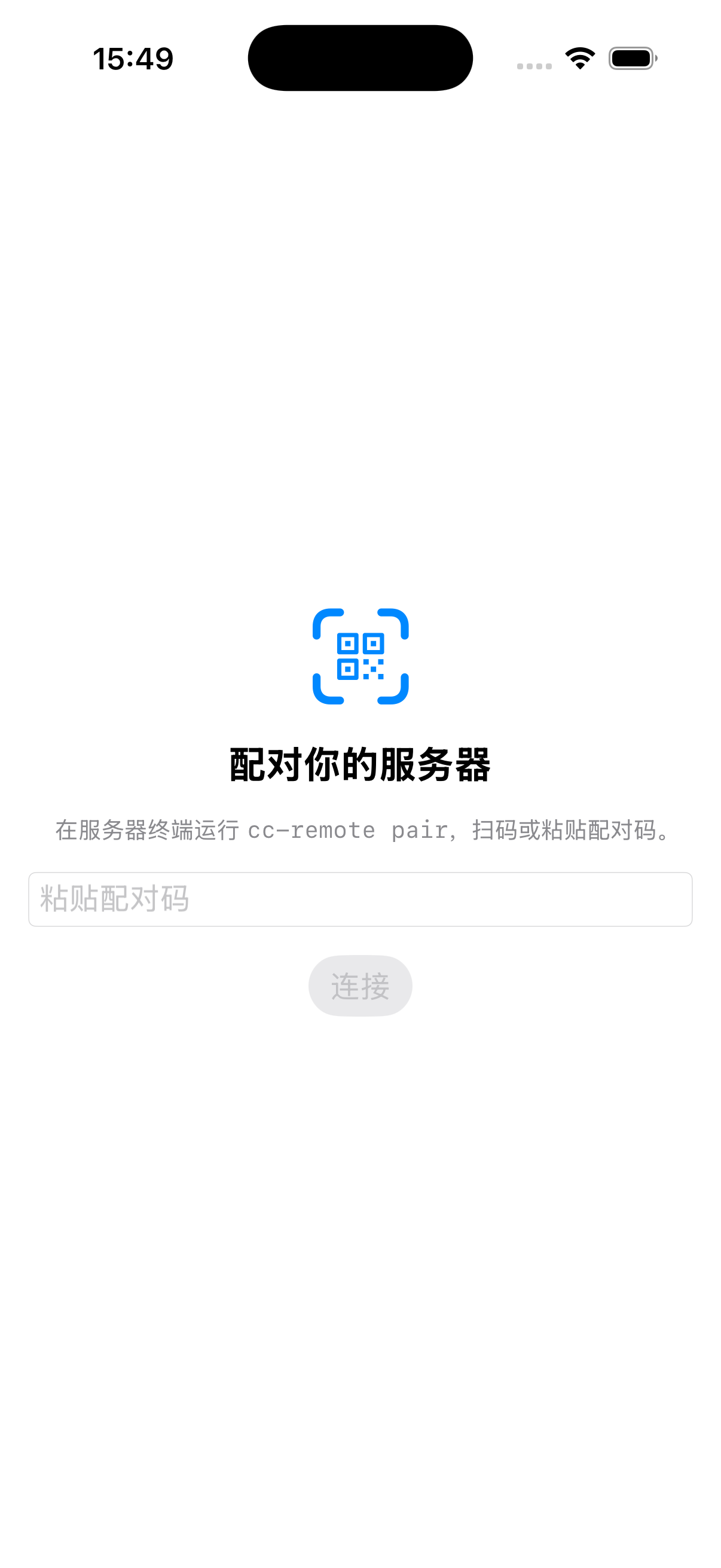
Scan a code to pair. Works behind NAT with no public IP — a direct device-to-device link that stays connected even when a direct path isn't available.
Your code never passes through our servers in the clear. Traffic is encrypted between your devices.
Structured tool cards and artifacts, offline-readable history, and smooth catch-up on weak networks.
Bring your own model and quota. Not locked to a single model or vendor.
Start cc-remote on your server or home machine.
cc-remote serveScan the pairing code from the app.
cc-remote pairSteer Claude Code from the native iOS app, online or offline.
Join the waitlist and we'll email you when cc-remote hits the App Store.